
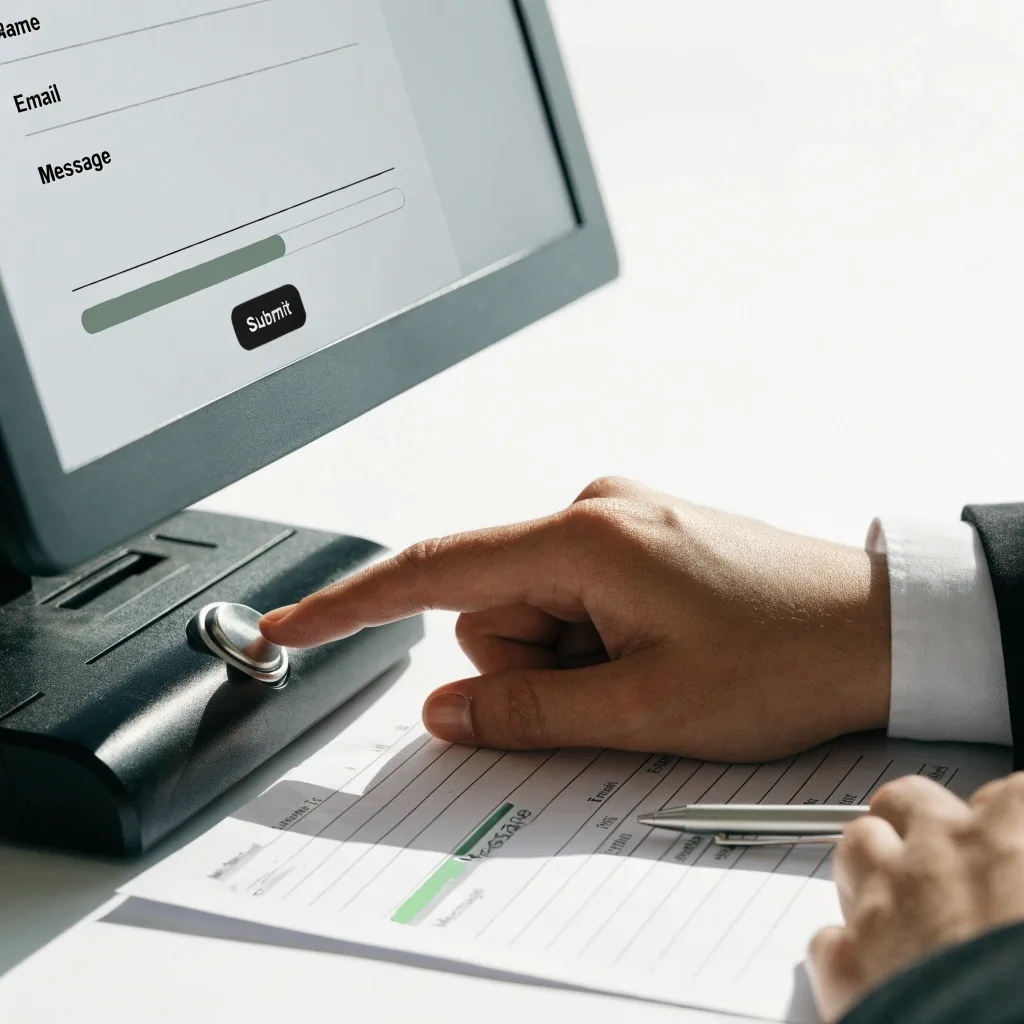
What Happens After You Hit Send
The moment after a form is submitted is where most contact pages go quiet. This one does not. Here is what you should see, what the team does with your message, and when a reply normally arrives.
The confirmation screen
The page that tells you it landed
If the form went through, you land on a thank-you page that confirms receipt and repeats the next step. That screen is not a formality. It is the signal that your message reached the queue, and it names the contact method you selected so you know whether to watch your inbox or your phone.
If you do not reach that screen, the submission most likely did not send. Try again, or call the number on this page and ask whether anything arrived on the team's end.
The phone line is the one channel that bypasses the queue entirely. If your matter is time-sensitive, call instead of waiting out the business day and the person answering can pick up the thread.
Monday to Friday, 9:00 AM – 6:00 PM
What the team does first
Reading and routing
Someone reads the message and checks the topic selection to confirm it is on the right desk. If the routing guess was off, it gets forwarded before anyone replies, so you will not get a confusing answer from the wrong person.
Matching your details
Names and contact details are matched against the message so the reply goes back the way you asked. This first pass usually happens within a few working hours of submission during staffed days.
No automated handling and no instant reply — a person is doing the reading
Email or a phone call — it depends on what you selected
If you asked for a reply by email, you get an email. If you asked for a call back, expect a call at the number you provided during staffed hours. If you provided no phone number, email is the only route, so make sure the address you typed is correct.
You can also change your mind later. Reply to the email and ask for a call, or mention it when the phone rings — the reply honors the method you use to respond.
Email reply
Sent to the address you typed. Check the spam folder before assuming the message was lost.
Call back
Needs a phone number on the form. The call arrives during staffed hours, at the number you gave.
Typical reply window
Within one business day
Most inquiries get a response within one business day. A message sent late on a Friday usually gets answered on Monday, and that is the honest version of the timeline rather than a promise of same-hour service.
Phone calls are answered during staffed hours, Monday to Friday, 9:00 AM – 6:00 PM. If a day passes with nothing in your inbox, check the spam folder first — then call.
If you need to add something to your message
Don't resubmit
You do not need to submit a second form to add detail to the first. Reply to the email once it arrives, or mention it on the call.
Short follow-up
If the original message has not been answered yet, a short follow-up with the same name and email is fine and will be matched to your original message.
One channel at a time
Avoid sending the same question through every channel at once, since that splits the conversation rather than speeding it up.
What the confirmation means — and what it does not
Receiving a confirmation means your message was received. It does not mean a reply has been written or a decision made.
The window that follows is real work: reading, routing where needed, and drafting an answer. Nothing here claims automated handling or instant response, because a person is doing the reading. Managing that expectation is the whole purpose of this page.
Storing your details
Your name, email, optional phone number, and message are kept so the team can respond and follow up if the inquiry continues. They are not sold, and they are not used for unrelated marketing. The privacy policy spells out what is collected and how long it is retained. If you want your details removed after the exchange ends, you can ask, and the request goes to the same team that answered you.
Read the privacy policy
Which channel to use
Three channels, three different jobs
Questions that come up after sending
Four answers cover most of what people ask once the message is already gone. If yours is not here, the phone line is open during staffed hours and the full FAQ page goes wider.
Read the contact FAQ
I did not get a confirmation screen. Did my message send?
Probably not. Try submitting again, or call the number on this page to confirm whether anything arrived on the team's end.
Should I expect an email or a call?
Whichever you selected. Choosing a call back requires a phone number. If you left no number, the reply comes by email.
What if I have not heard back after a day?
Check your spam folder first. If nothing is there, a quick call is the fastest way to check on the status.
Can I add details to my original message?
Yes. Reply to the email or mention it on a call. A short follow-up using the same name and email will be matched to your original message.
Need to send something after all?
If nothing arrived, or you have a new request rather than an addition to the first, the inquiry form is the right door. It takes a name, an email, an optional phone number, and a message — short form, no account, no attachments needed to start.
Dysmeron Digital
- Phone
- +1 217-579-1917
- [email protected]
- Address
- 742 Evergreen Terrace, Springfield, IL 62704
- Hours
- Monday to Friday, 9:00 AM – 6:00 PM